Create Photo Collage/Grid-View Of Your Facebook Friends
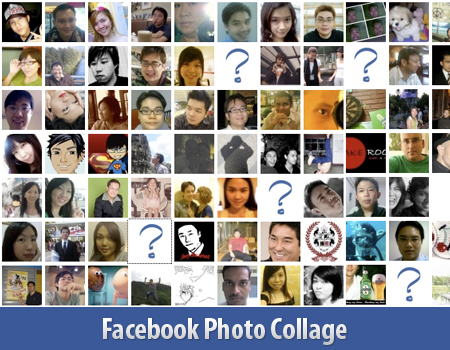
Here’s a small little trick in Facebook that allows you to create a grid view or photo collage out of your friends list. This is how I do it:
- Click on Friends tab.
- Proceed to More tab.
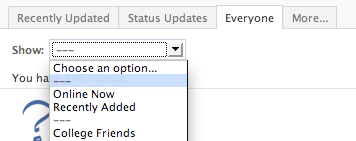
- From "Choose an option" dropdown, choose any of the dashes "—"
Photos of all your friends will be displayed, each in 50×50 pixels forming a grid view. Have fun.

No comments :
Post a Comment